


Made with SeeMusic
The established choice for next-generation piano videos.
Piano covers and falling-note tutorials, made with SeeMusic.


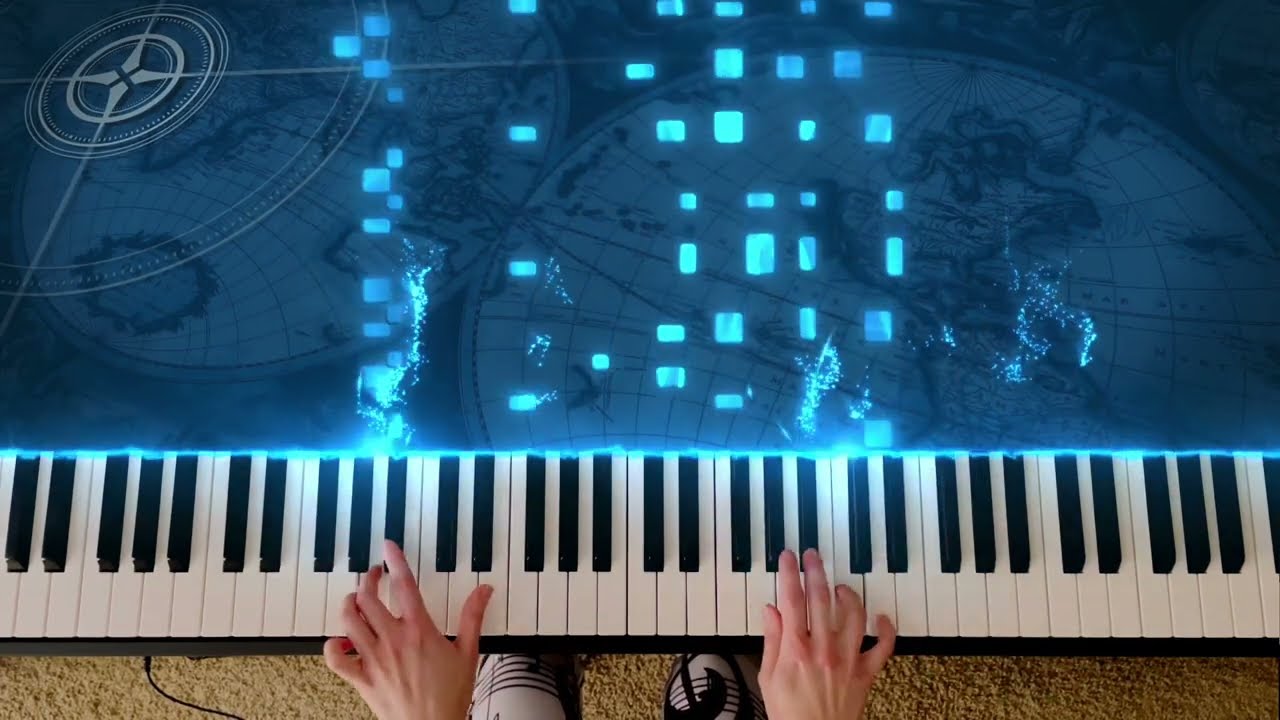


How it works

Record or import
Capture your playing or open an existing file.

Customize
Edit notes, sync footage, and choose your effects.

Render and share
Export a finished piano video, ready to share.


Record your performance
Record synchronized MIDI, audio, and video. Seamlessly transfer recordings from mobile to desktop.
-
Import MIDI files or MusicXML scores
-
Convert piano audio to MIDI with AI
-
Edit notes in the built-in MIDI editor
Add your own footage
Sync footage of your playing with the falling notes. Automatically align the keyboard and isolate hands and keys.
-
Adjust timing, color, and lighting
-
Add LED lighting without an LED strip
-
Blend footage with glowing Saber effects


Design your own look
Choose a preset or customize the details. Shape your notes, particles, colors, lighting, and backgrounds.
-
Customizable 2D and 3D note styles
-
Particles with advanced physics controls
-
Realistic grand piano scenes and camera movement
Render Videos
Create breathtaking piano videos with blazing-fast rendering. Optimized for desktop and mobile.
-
Up to 8× faster than real time
-
Up to 4K at 60 FPS
-
16:9 or vertical formats for YouTube, Instagram, and TikTok

How to make a piano video
Watch how to turn MIDI files into piano videos with falling notes, particles, and lighting.
SeeMusic vs Synthesia
Synthesia visualizes MIDI playback for practice and demonstration, but creating a finished video requires separate recording and editing tools. SeeMusic lets you record or import a performance, customize visuals, sync footage, and export a ready-to-upload video—all in one place.
Features | Synthesia | SeeMusic |
|---|---|---|
Display Sheet Music | ||
MusicXML Import | ||
Live MIDI Input | ||
Sync Camera Footage | ||
Reactive Particle Effects | ||
3D Piano Scenes | ||
MIDI Editor |